Offline maps for every route
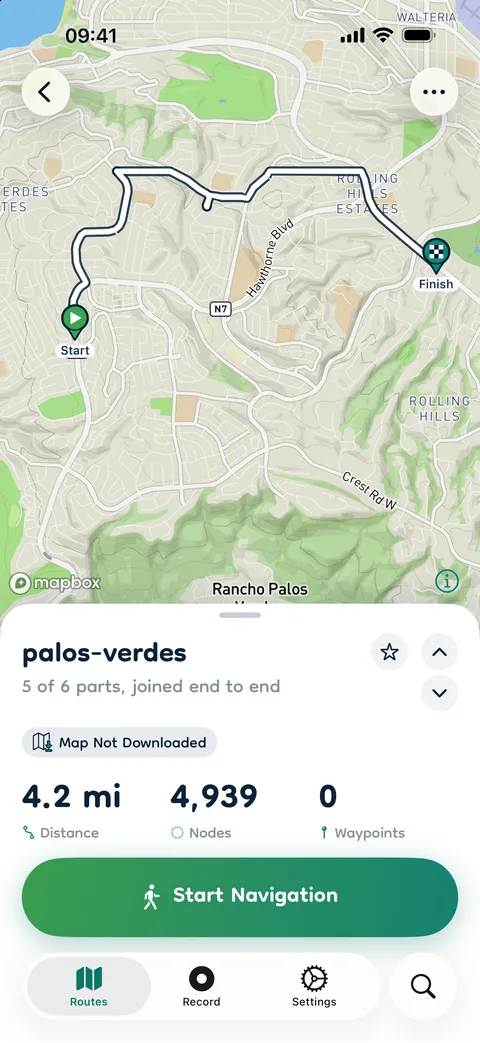
Download the map for a route while you still have signal, including the ground on either side of it. Then follow it with none: the route comes from your GPX file, not from a connection.
GPX Mate turns a GPX file into a dependable offline guide. Download the map before you go, follow the route with your phone in your pocket, and get a buzz the moment you stray. Plan new routes on your Mac.
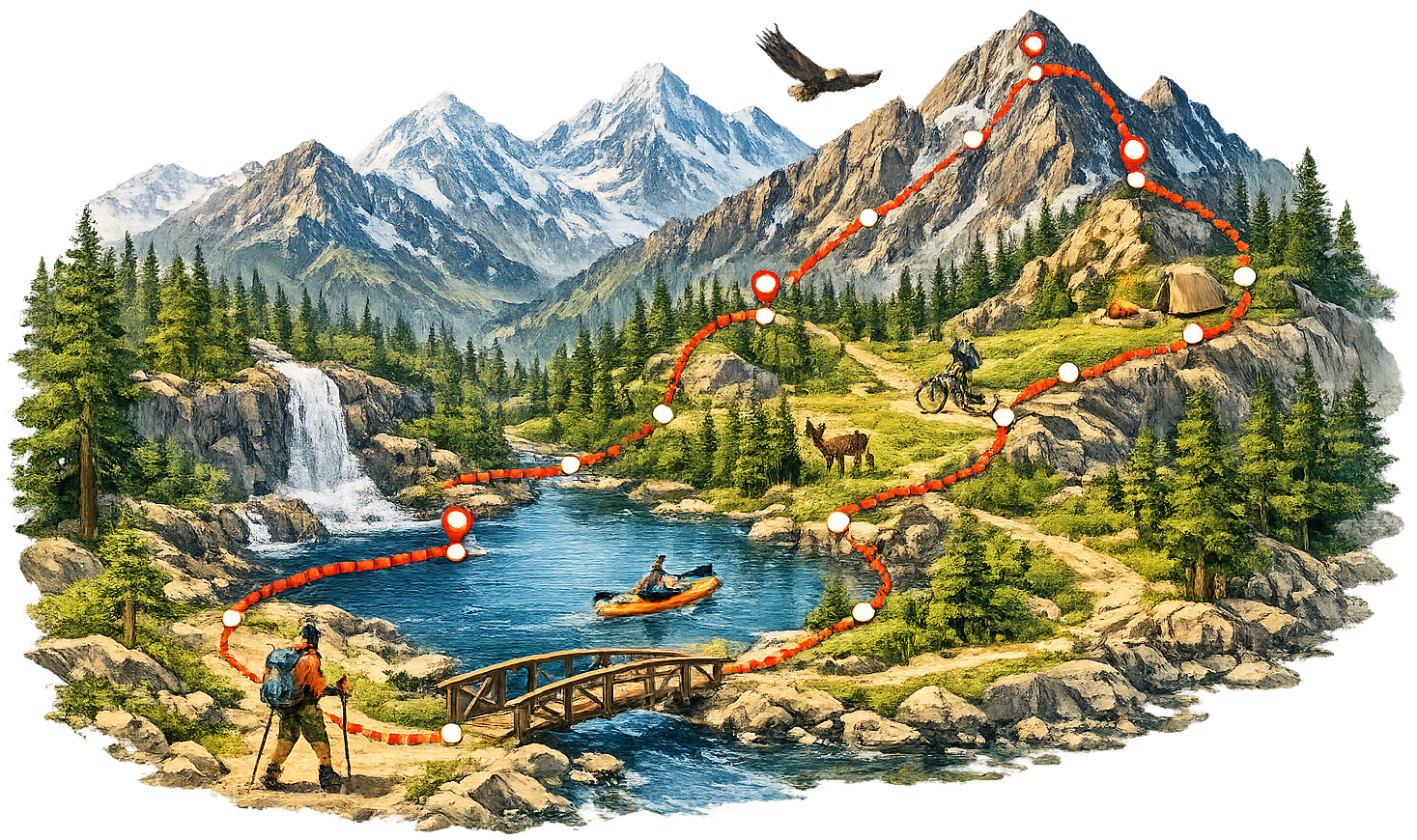
GPX Mate follows the routes you bring and tells you the moment you leave them. A GPX file from a friend, a trail website, a race organizer or another app becomes a route you can follow anywhere, online or off.
There is no account and nothing to set up. Import a GPX file, download its map, and go. Whether it is a hike up a summit, a multi-day trek, a gravel ride or a scenic drive, GPX Mate keeps you on course and picks up where you left off if anything interrupts you.
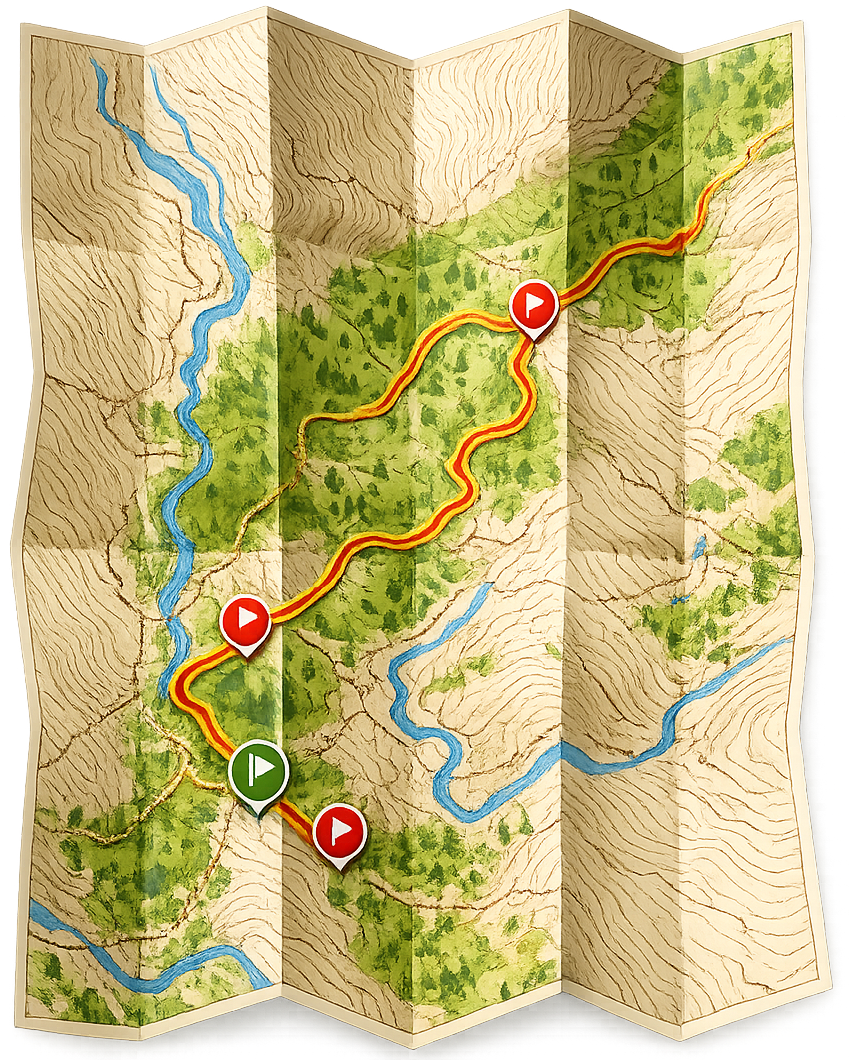
Built around simplicity, reliability and working offline.
Download the map for a route while you still have signal, including the ground on either side of it. Then follow it with none: the route comes from your GPX file, not from a connection.
Choose how far is too far. Step off the route and GPX Mate buzzes and sends a notification, even with your phone locked. It waits to be sure, so one bad GPS reading under trees or cliffs never cries wolf.
Navigation runs with the screen locked and shows your progress on the Lock Screen and in the Dynamic Island. If the battery dies or the app is closed, it picks up where you left off.
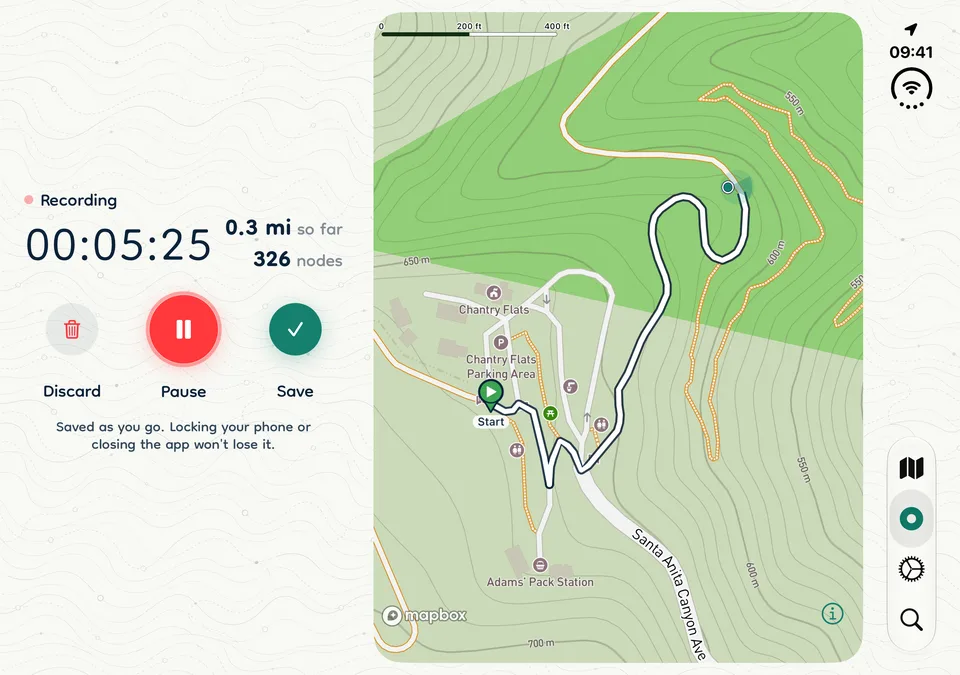
Record a hike, ride or drive, pause it from the Lock Screen, and save it as a standard GPX route, ready to follow again. A gentle reminder lets you know if you stop moving and it is still recording.
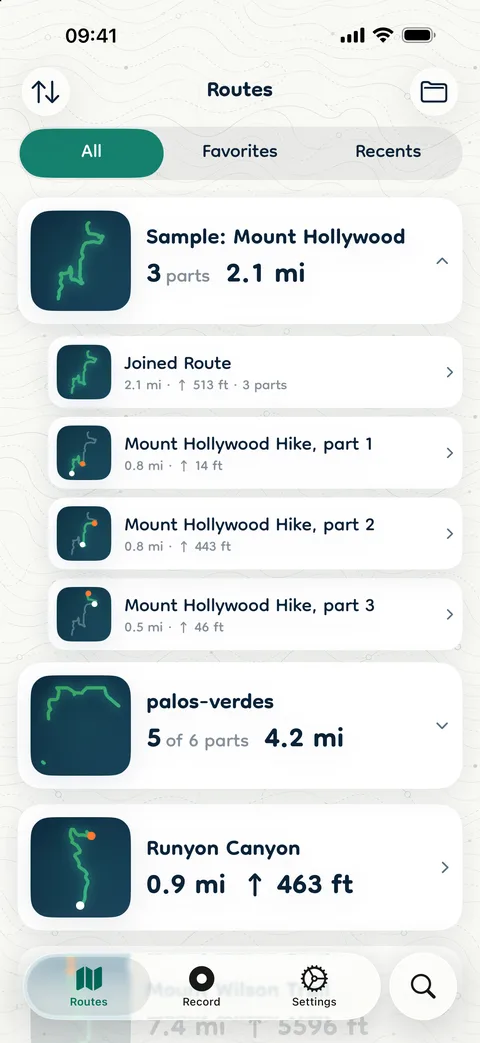
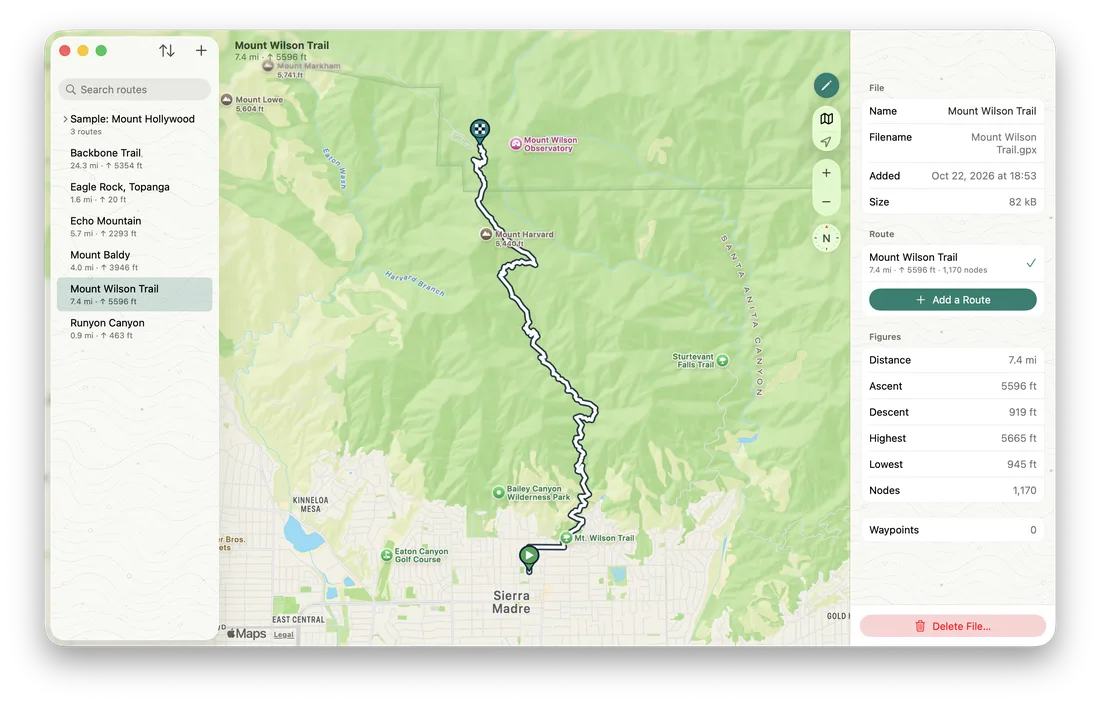
Many GPX files hold several routes, like each stage of a ride or each day of a trek. GPX Mate shows them all, and when the parts meet end to end it can follow them as one joined route.
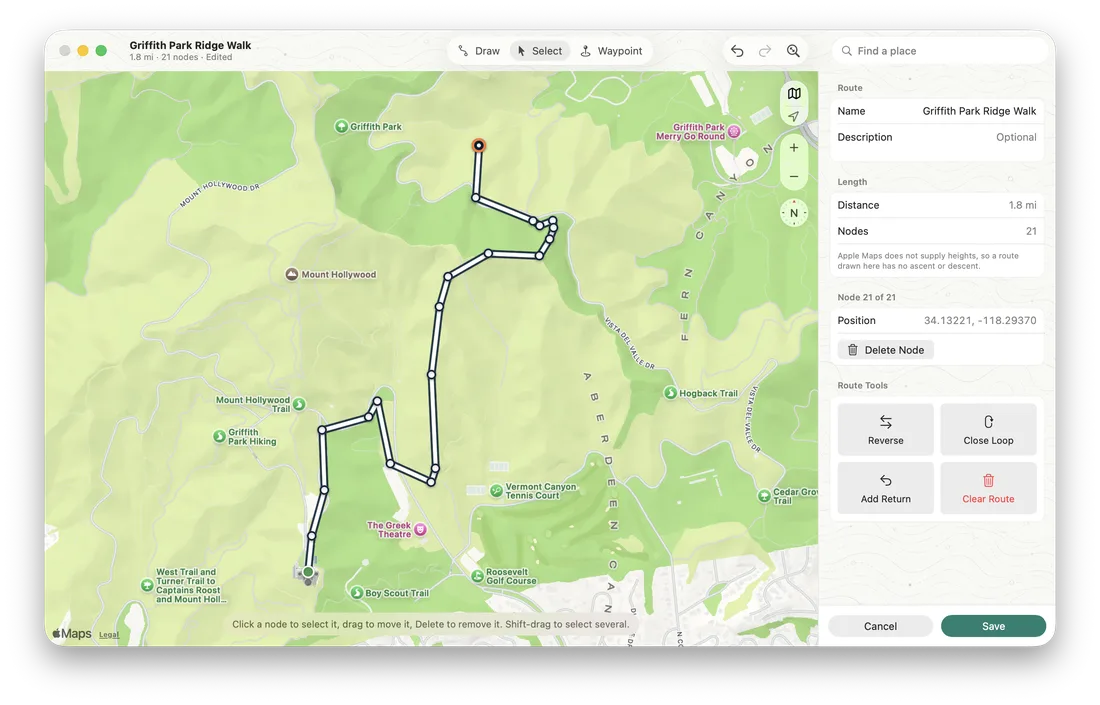
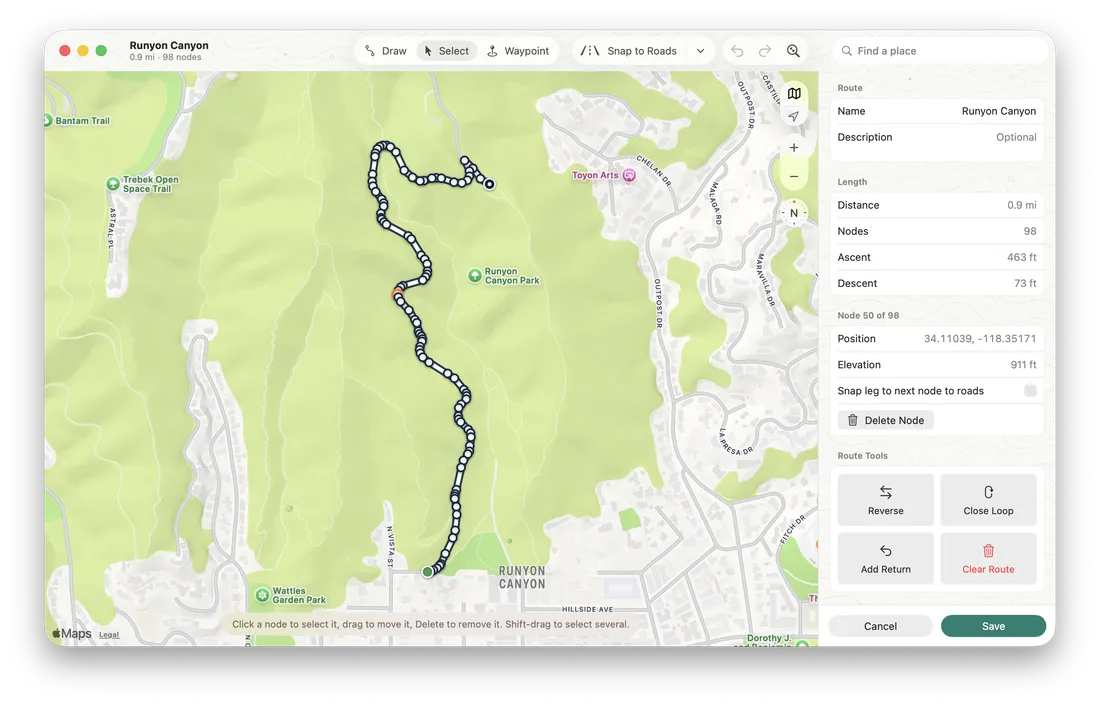
Draw routes on Apple Maps point by point, add waypoints, and edit routes you already have, with undo for every change. GPX Mate for Mac is part of the same download.
Routes you draw, import, rename or delete on one device appear on the other, through your own iCloud account. No accounts to create, nothing stored on our servers.
See the distance remaining, how far along you are and how much daylight is left. Turn around and walk the route the other way, and GPX Mate notices and counts to the other end.
Open GPX files from Files, AirDrop, Mail, Messages or any app that shares them. Your files stay standard GPX, exactly as they arrived.
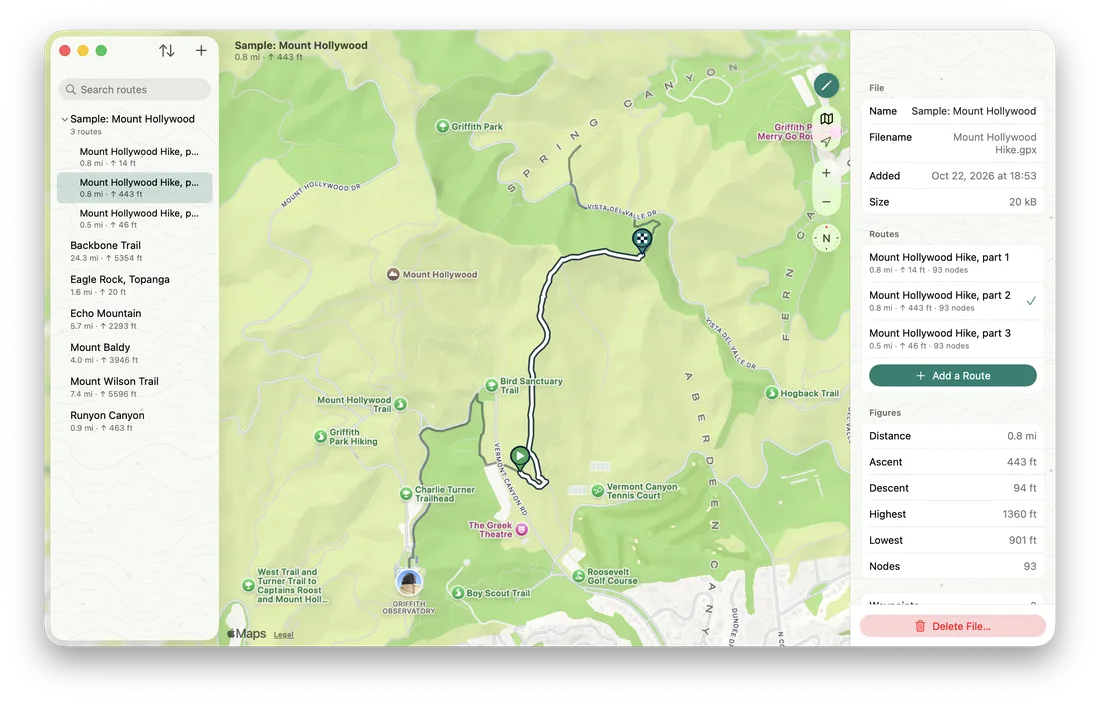
Real screens from GPX Mate on iPhone, on the open iPhone Duo, and on the Mac.
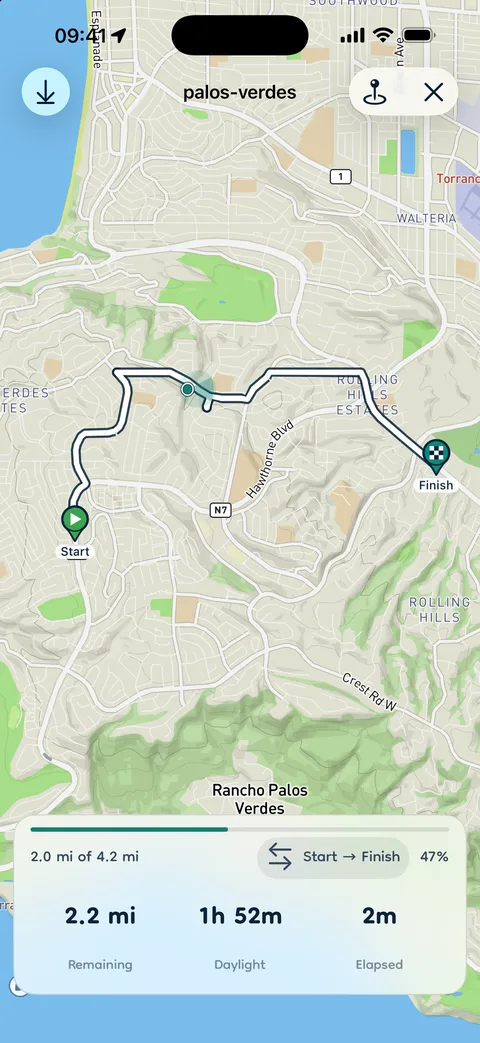
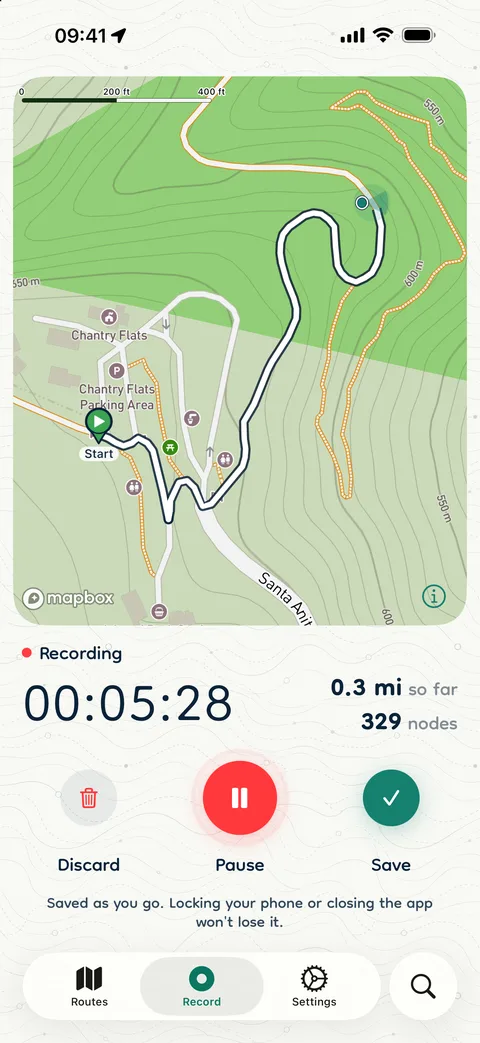

Swipe to see more →
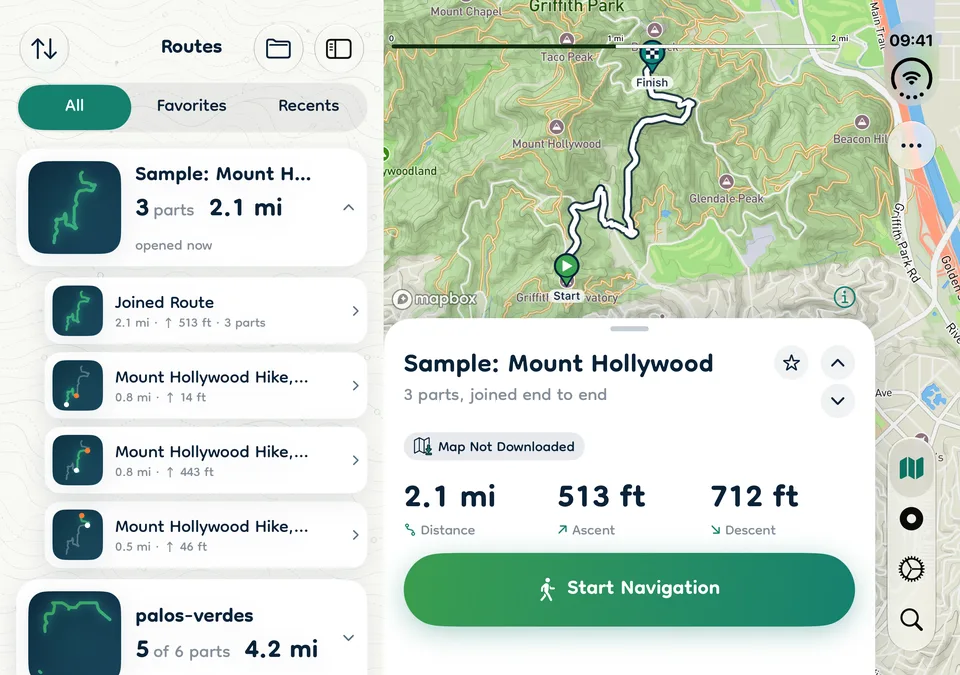
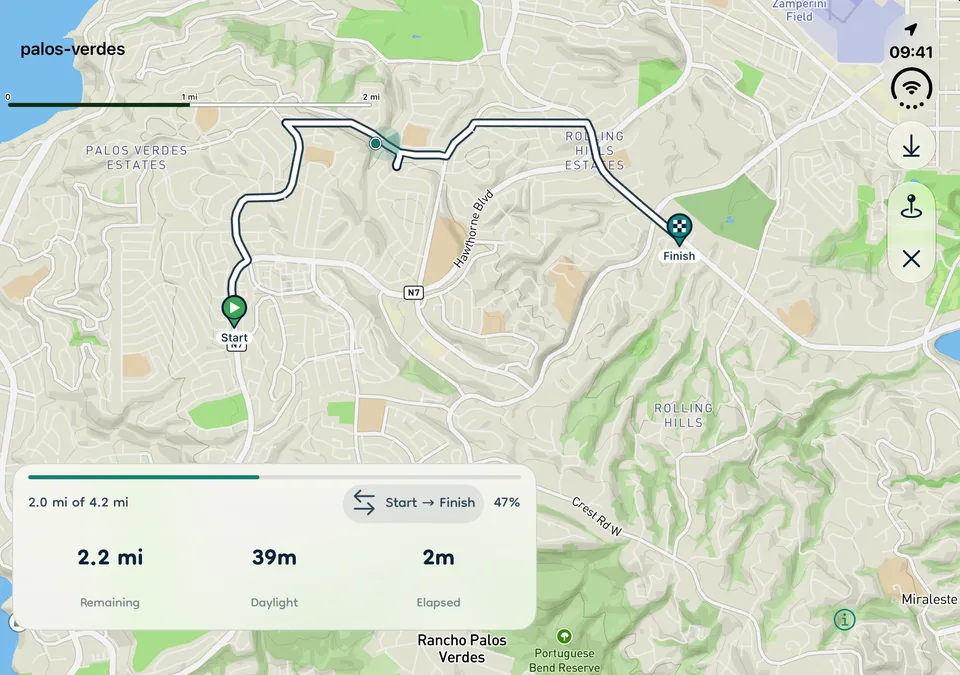
Swipe to see more →
Swipe to see more →
In remote places, reliability is not a feature. It is the whole point.
Your route and your progress are saved as you go. If the battery dies or the app closes, GPX Mate brings you right back to where you were, on the same route.
Maps are prepared before you leave, and the route itself never needs a connection. Offline is the normal case, not an afterthought.
Large GPX files open quickly, the map stays smooth, and switching between routes is instant, while staying gentle on the battery during long days out.
A clean, readable interface with large controls and outdoor-friendly contrast. Most things are one or two taps away.
No account. Your routes stay on your devices and in your own iCloud. Your location is used on your iPhone to follow the route and is never sent to us.
Your files are kept exactly as you imported them and never turned into a private format, so they keep working in every other GPX app.
Each device does what it does best, and your routes move between them on their own.
Draw a route at your desk on Apple Maps, add waypoints, and save it. A moment later it is in GPX Mate on your iPhone, ready to download its map and follow. Recordings from your iPhone show up on your Mac, ready to tidy.
Get GPX Mate
Download GPX Mate, import your first route or try the sample hike, and head out knowing your way is always with you, online or off.